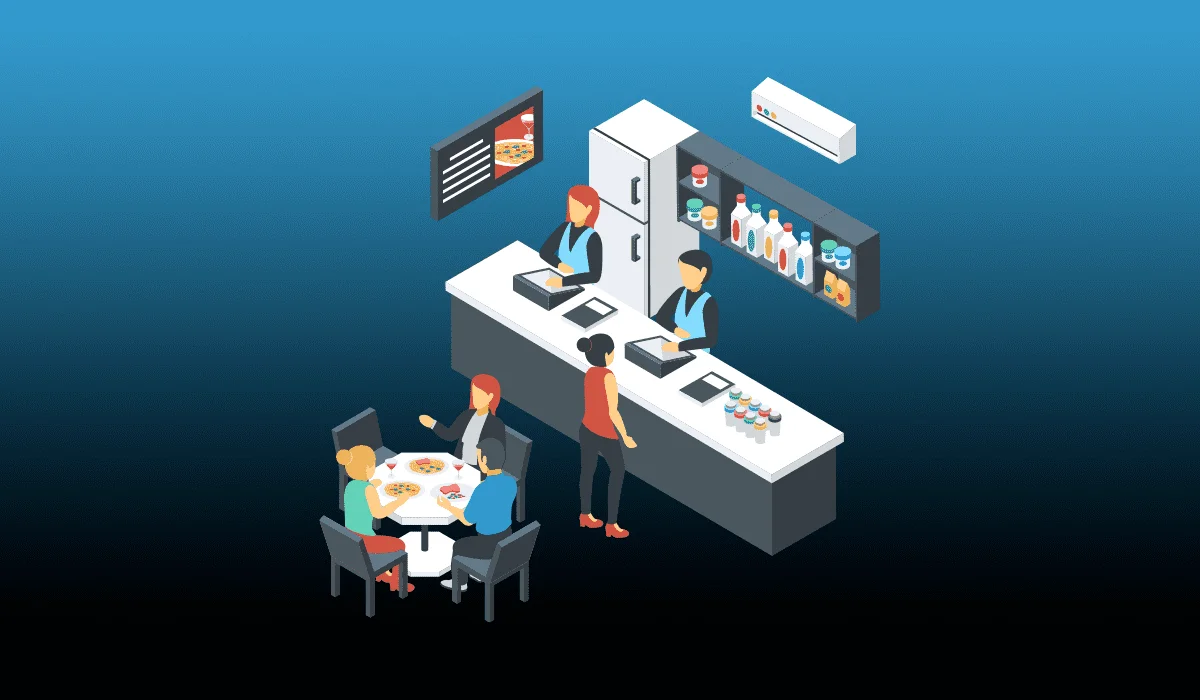
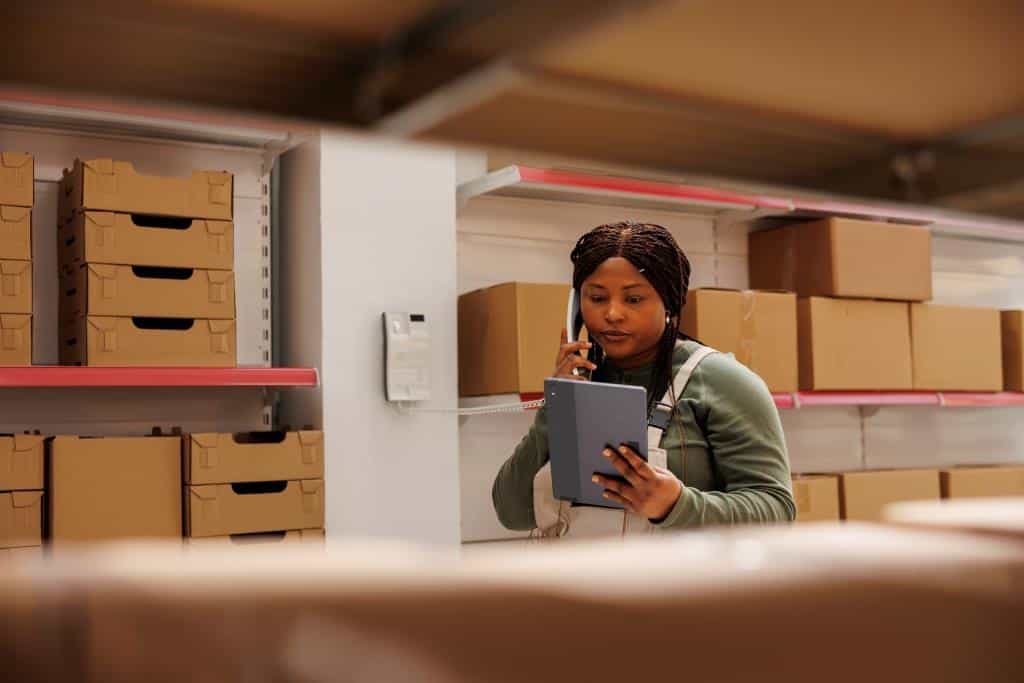
The dream of having an organized and efficient store is sometimes hampered by reality: confused employees, impatient customers, and time-consuming manual processes. Many owners feel they are working harder than their business, instead of their business working for them.

The solution isn’t to do more tasks, but to optimize your workflow using specialized retail software . With the right tools, you can automate processes, reduce errors, and focus on what really matters: your customers and your growth.
1. Identify the bottlenecks in your store
Before implementing software, it’s essential to observe how work currently flows. Ask yourself:
-
Where do the customer lines form?
-
What tasks consume the most time for my employees?
-
What processes generate frequent errors, such as incorrect billing or outdated stock?
This initial analysis allows you to choose software that solves real problems instead of adding unnecessary complexity.
2. Software as the backbone of the business
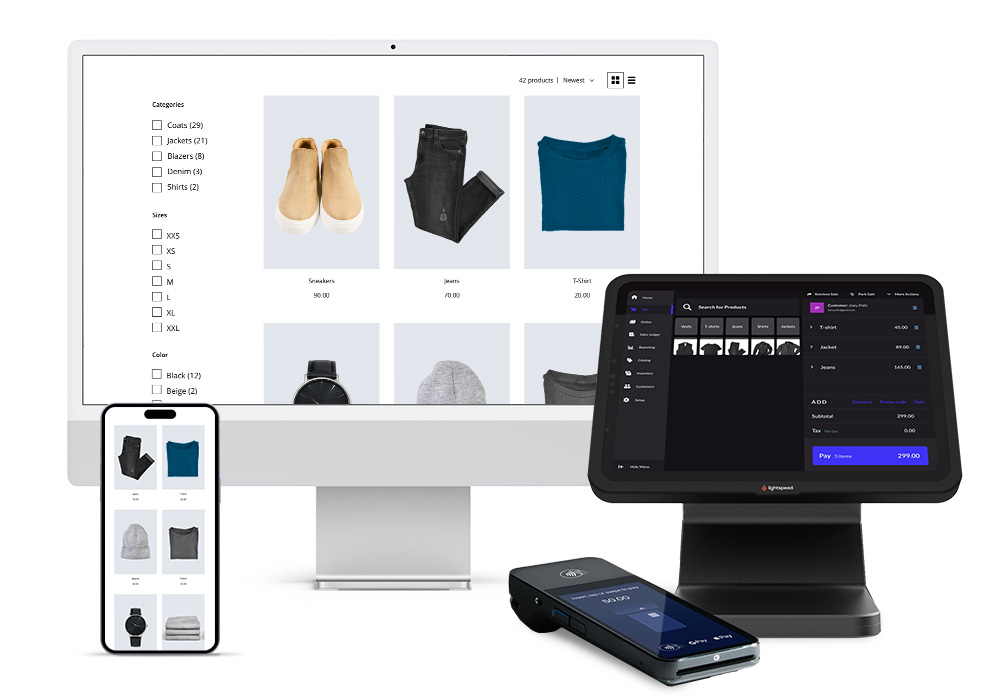
Modern retail software doesn’t just record sales; it centralizes all store operations :
-
Real-time inventory control
-
Payment processing and automated billing
-
Personnel and Roles Management
-
Sales and performance reports
When all these elements are connected, your workflow becomes faster and more consistent. Every action in the store translates into accurate data, allowing you to make smart decisions without relying on memory or manual notes.
3. Automation of critical processes
Some tasks are repetitive but crucial, such as updating stock levels or generating daily reports. Automation through retail software solves this:
-
Automatic inventory: Each sale deducts items from stock and generates replenishment alerts without manual intervention.
-
Automatic reports: Sales summary, best-selling products, and trend analysis ready at the end of the day.
-
Promotions and discounts management: Configure rules that are automatically applied to the POS system.
The result is a cleaner workflow, where the team focuses on selling and serving customers, instead of handling paperwork.
4. Optimizing customer service
The software also improves the customer experience, reducing waiting times and payment errors:
-
Fast and reliable POS: Instantly records sales, prints receipts, and updates inventory.
-
Multiple payments: Card, cash, or hassle-free digital payments.
-
Integration with loyalty programs: Automatically rewards repeat customers.
When customers perceive speed and accuracy, satisfaction increases and sales tend to grow.
5. Staff coordination using software
An efficient workflow doesn’t depend solely on the owner; the team must be synchronized . Retail software enables:
-
Assign tasks and shifts easily
-
Monitor the performance of each employee
-
Control permissions and access to sensitive system functions
With clear roles and standardized processes, duplication of tasks is avoided and human errors are minimized.
6. Integration with sales channels
If your store also sells online, integrating your retail software with e-commerce guarantees:
-
Inventory synchronized between physical and virtual store
-
Consistent pricing across all channels
-
Consolidated reports for making decisions based on comprehensive data
This simplifies daily management and avoids complications such as overselling or incorrect shipments.
7. Analysis and continuous improvement
The software not only organizes the present, it also allows you to plan for the future:
-
Identify the most profitable products and adjust the purchasing strategy
-
Detect sales trends and prepare advance promotions
-
Evaluate staff performance and improve task allocation
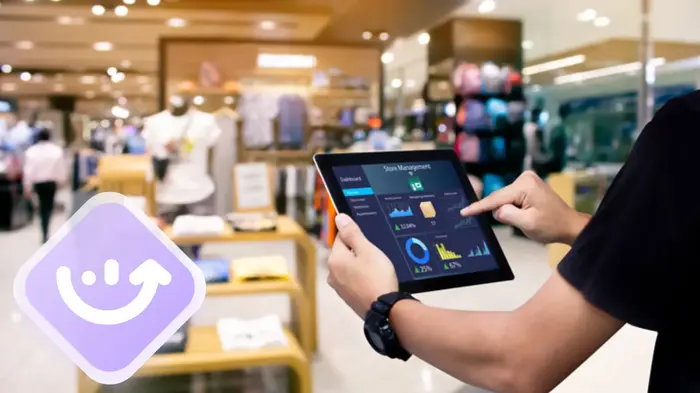
Data analysis transforms your workflow into an intelligent system, where every decision is based on real information.
8. Tips for implementing retail software smoothly
-
Select software that is appropriate for your size and type of store.
-
Train your team before using it in production.
-
Start with basic functions and add modules as needed.
-
Maintain consistency : all employees should use the software in the same way.
-
Conduct regular audits to ensure that your workflow remains optimized.
Small habits at the beginning ensure that the software fulfills its function without creating further problems.
9. Benefits of optimizing your workflow with software
-
Fewer errors in inventory and sales
-
Faster and more efficient customer service
-
More organized and autonomous staff
-
Reliable data for strategic decisions
-
More time to focus on growth and new opportunities
Implementing retail software correctly transforms your store from a reactive business to a proactive one.
Optimizing your store’s workflow isn’t about hiring more employees or working longer hours, but about implementing smart solutions that automate critical processes, centralize information, and facilitate team coordination .
The right retail software acts as the backbone of your business, reducing errors, improving customer service, and freeing you up to focus on what really matters: growing your store efficiently and without stress .
With planning, training, and strategic use, your store can operate like a well-oiled machine, where every task flows smoothly and your business works for you, not the other way around.