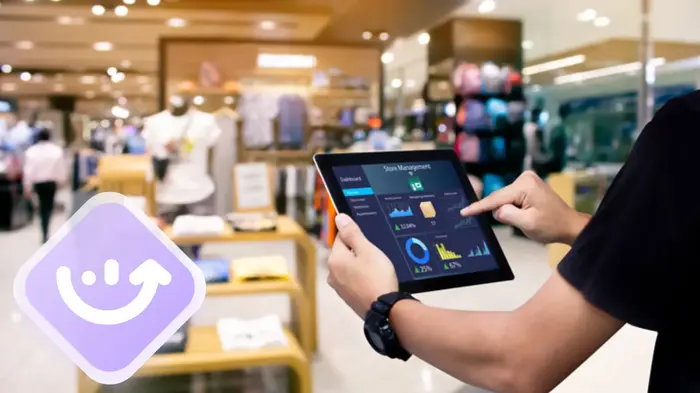
The transition from manual or notebook-based management to a digital system is the most critical step a retailer can take toward growth. However, simply installing management software isn’t a magic bullet; success depends on how well it’s integrated into the daily routine of the business. This guide is designed to walk you through the process of mastering these tools, making them the engine of efficiency for your store.
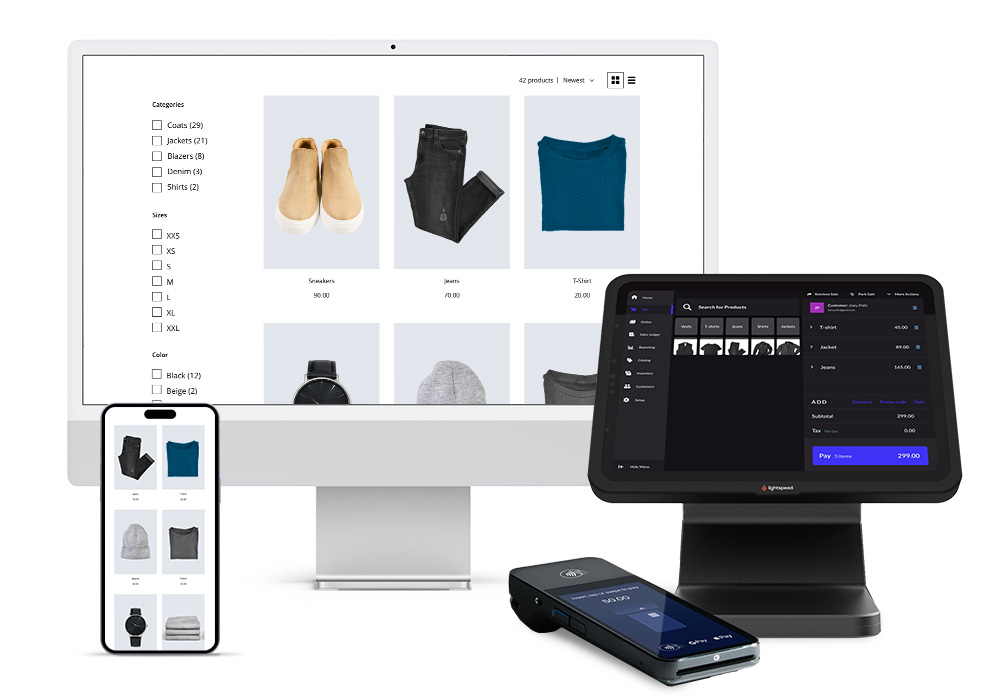
The goal of a management program isn’t to complicate your life with more tasks, but to centralize information so you can make decisions based on facts, not hunches. Below, we break down the practical steps to mastering this technology.
1. The implementation phase: Quality over quantity
The biggest mistake when starting to use a management program is trying to load thousands of products in a disorganized way. The golden rule in computing is simple: if you put in garbage, you’ll get garbage.
Master data loading: Start by creating a logical category structure. Don’t just call a product “Shirt.” Use standardized naming conventions, for example: “Category – Brand – Model – Size – Color.” This will ensure accurate results when you search the system in the future.
Initial inventory: Conduct a thorough physical count before uploading stock to the system. This is the time to “clean up” your store by removing obsolete products. Once the system has the actual stock levels, every sale you make from that point forward will automatically maintain accurate accounting.
2. The day-to-day: Turning the system into a habit
For a management program to be effective, it must be used in every interaction. Operational discipline is what separates organized stores from chaotic ones.
Record every sale: It’s tempting to skip recording a small sale “due to lack of time,” but this breaks the chain of information. Every time you omit a record, your inventory becomes inaccurate and your sales statistics become misleading. Consistent use of a Point of Sale (POS) system ensures that, at the end of the day, closing the register is a two-minute process and not an hour-long nightmare searching for cash discrepancies.
Purchasing and supplier management: When you receive new merchandise, don’t just put it on the shelf. Register it immediately in the system through the purchasing module. This not only updates your stock levels but also allows you to track price changes from your suppliers. If the cost of an item increases, the system will alert you, allowing you to adjust your selling price to maintain your profit margin.
3. Stock Optimization: The system as a purchasing advisor
One of the most practical features of these programs is their ability to predict your future needs. A good store manager uses historical data to ensure they never run out of top-selling products.
Minimum stock settings: Define the minimum quantity you must have on hand for each product before it becomes a risk. The program will automatically display a list of “products below minimum stock levels.” Use this list to generate your purchase orders. This prevents panic buying and urgent shipping costs that reduce your profitability.
Identifying “stale” products: The program will reveal which items haven’t sold in months. The practical guide here is clear: use the system to identify these products and create promotions or discounts to move them. Shelf space is money, and it shouldn’t be taken up by slow-moving products.
4. Customer Management Beyond the Transaction
A management program allows you to know the people who enter your establishment. Using the customer module effectively means building a valuable database.
Non-invasive data collection: At checkout, offer customers the option to receive their receipt via email or to be informed about future promotions. By recording their purchases, the system automatically creates a profile. If you know a customer buys coffee every two weeks, the system can remind you to offer them a special deal as their usual purchase date approaches.
Automated loyalty programs: Use the system to award points for purchases or discounts on special dates. The advantage of doing so through the program is that you have complete control: you prevent fraud and can measure exactly whether the discount is attracting more sales or if you’re just losing profit margin.
5. Cash closing and internal audit
Accounting is usually the least favorite part for any business owner. Management software transforms this process through automation.
Daily reconciliation: At the end of the day, the system will tell you exactly how much you should have in cash, how much on cards, and how much in other payment methods. If there’s a discrepancy, the system allows you to trace the error transaction by transaction. This provides complete transparency, whether you manage the store yourself or have employees.
Profitability reports: Once a week, spend 15 minutes reviewing your sales report. Look at the “Gross Margin.” Sometimes we sell a lot but earn little money. The program will tell you which sections of your store are the most profitable so you can allocate more space and advertising budget to them.
6. System security and maintenance
A management program is a critical asset, and as such, it must be protected.
Backups: If your system isn’t cloud-based, be sure to perform daily backups to an external drive or online service. Losing years’ worth of sales and inventory data is a blow from which many stores never recover.
Access control: Configure usernames and passwords for each employee. This isn’t due to distrust, but rather for organization. If there’s an error in a sale or inventory change, the system will record who made it, allowing you to correct the mistake and train the employee on the proper procedure.
The practical guide to success with a management program can be summed up in one word: consistency. At first, it may seem like the software adds extra steps to your day, but within a few weeks, you’ll notice it has given you back control over your business.
When you stop worrying about stock levels or whether the accounts balance, you free up mental space to be creative, improve customer service, and think about how to expand your brand. The management software isn’t just a technical tool; it’s the map that allows you to navigate your store’s day-to-day operations with the confidence that you’re heading in the right direction.